2026-10-27
Free games to play at school on a Chromebook
Chromebooks cannot install most games, and schools often block app stores. Browser games are different: they run in a Chrome tab like any website, so there is nothing to install. Every game on Joyo works this way.
One honest note first: many schools filter game sites on their network. If a site is blocked at school, that is your school's rule; play at home or during breaks when you are allowed to. We do not offer ways around filters.
Short puzzles for a five-minute break
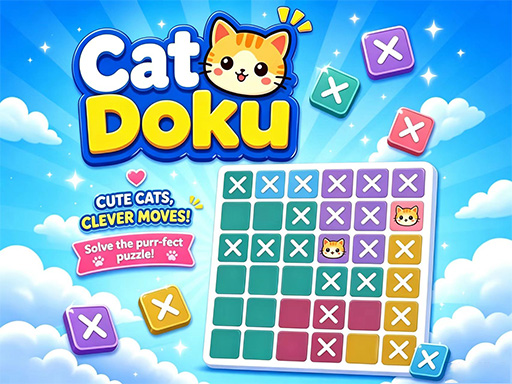
Puzzles with short levels are the best fit for a break. CatDoku is a gentle logic grid where you place cats so none touch. Block Drop Escape Puzzle asks you to release coloured blocks in the right order, and Rope Chef is a cute cut-the-rope cooking puzzle that also works on tablets.


Calm games that run well on a Chromebook
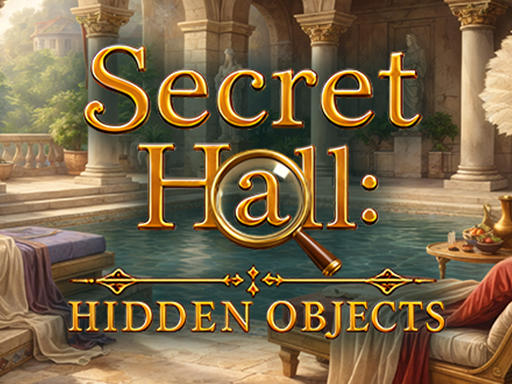
Chromebooks are not gaming laptops, so lighter games feel smoother. Mini Golf 3D - Island Course has 51 holes you can play one at a time, and Secret Hall: Hidden Objects is a quiet search-and-find game.

Escape rooms for thinkers
100 Doors: Mystery Room Escape gives you one room at a time: find the clues, crack the code and open the door. It is easy to stop and come back later.

Tips for playing on a Chromebook
- Close other tabs first; games run faster with more memory free.
- Use the full screen button under the game; press Esc to leave.
- Progress is often saved in the browser, so use the same Chromebook and account to continue.
- Choose games marked "works on phones" if your Chromebook has a touch screen.
More quick games: the puzzle section and the arcade section.